
Use a terminal and AI
Run commands, Claude Code, or Codex CLI in separate tabs. Use your own AI account.
Explore the browser terminal →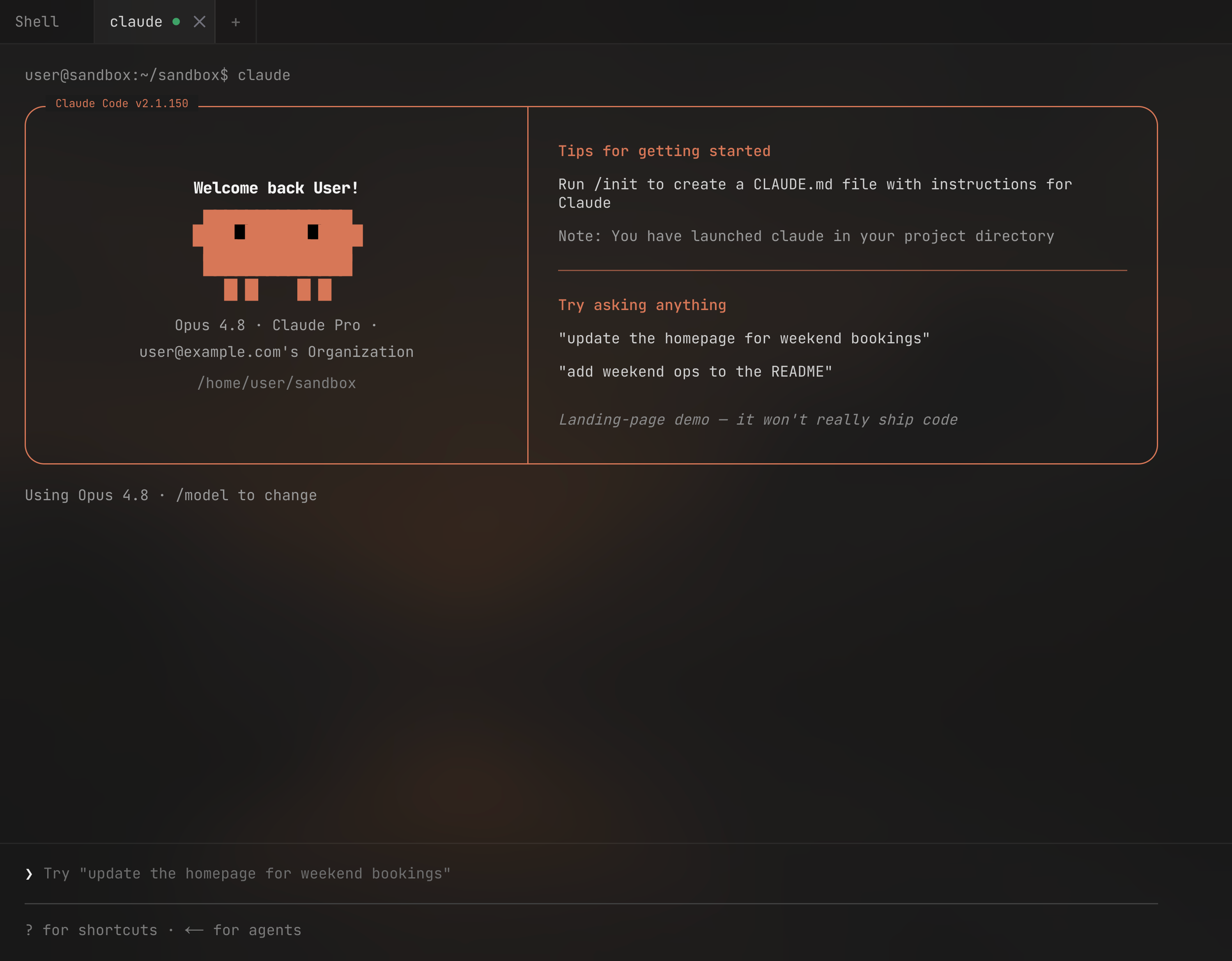
Your terminal, code, files and databases.
Together in your browser.
Open your VPS terminal and paste this command.
curl -fsS https://app.forgevps.com/install | sudo shOpen the link printed in your terminal. Sign in with your ForgeVPS account, or choose a plan there.
The installer gives you an HTTPS address. Open it, create your local account, and you’re in.
Setting up a VPS by hand can take over an hour. Connect yours and ForgeVPS installs the tools, database, web server, and firewall for you.
Run commands, Claude Code, or Codex CLI in separate tabs. Use your own AI account.
Explore the browser terminal →Browse folders, edit code, and upload files. Save changes straight to your VPS.
Explore the code editor →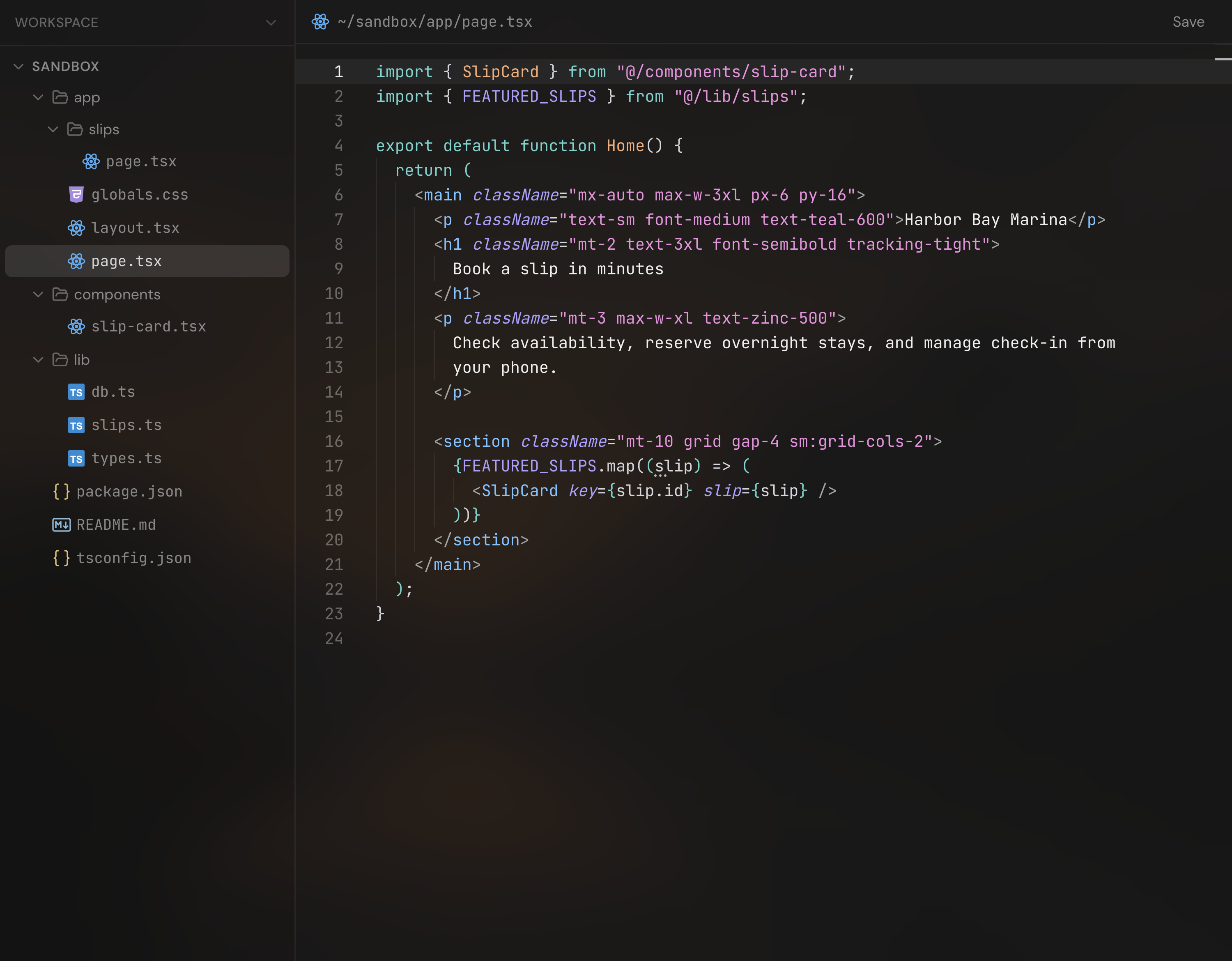
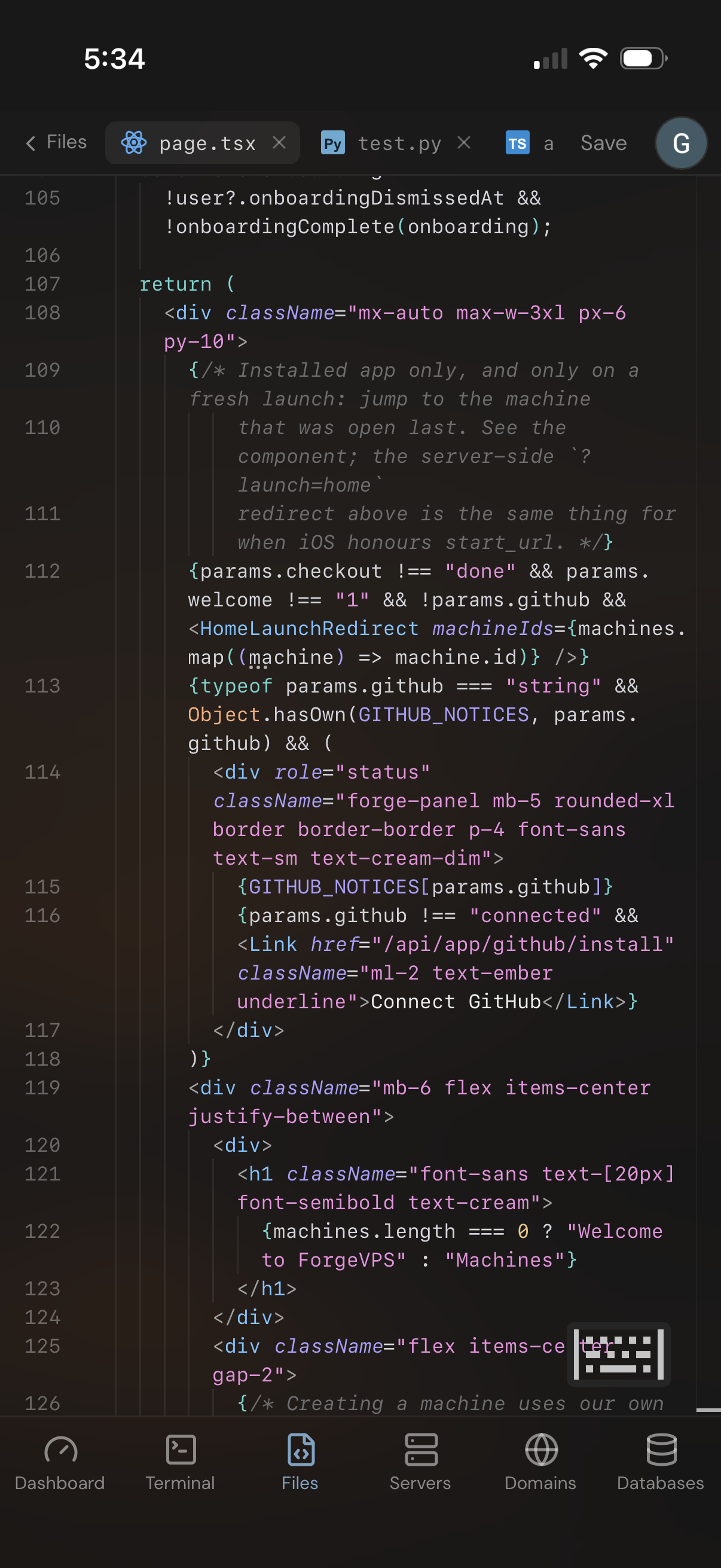
Create PostgreSQL databases, edit table rows, and create or download backups.
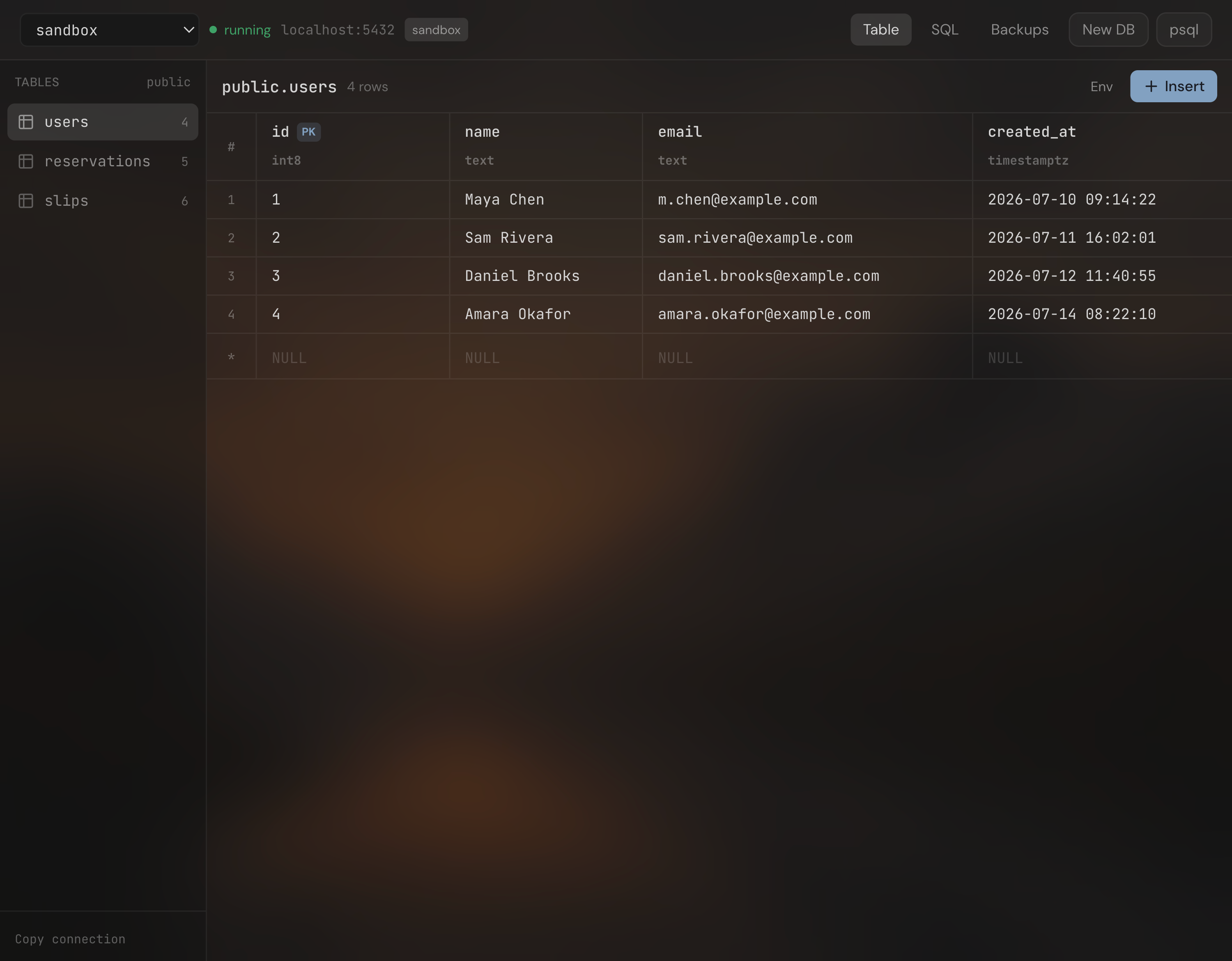
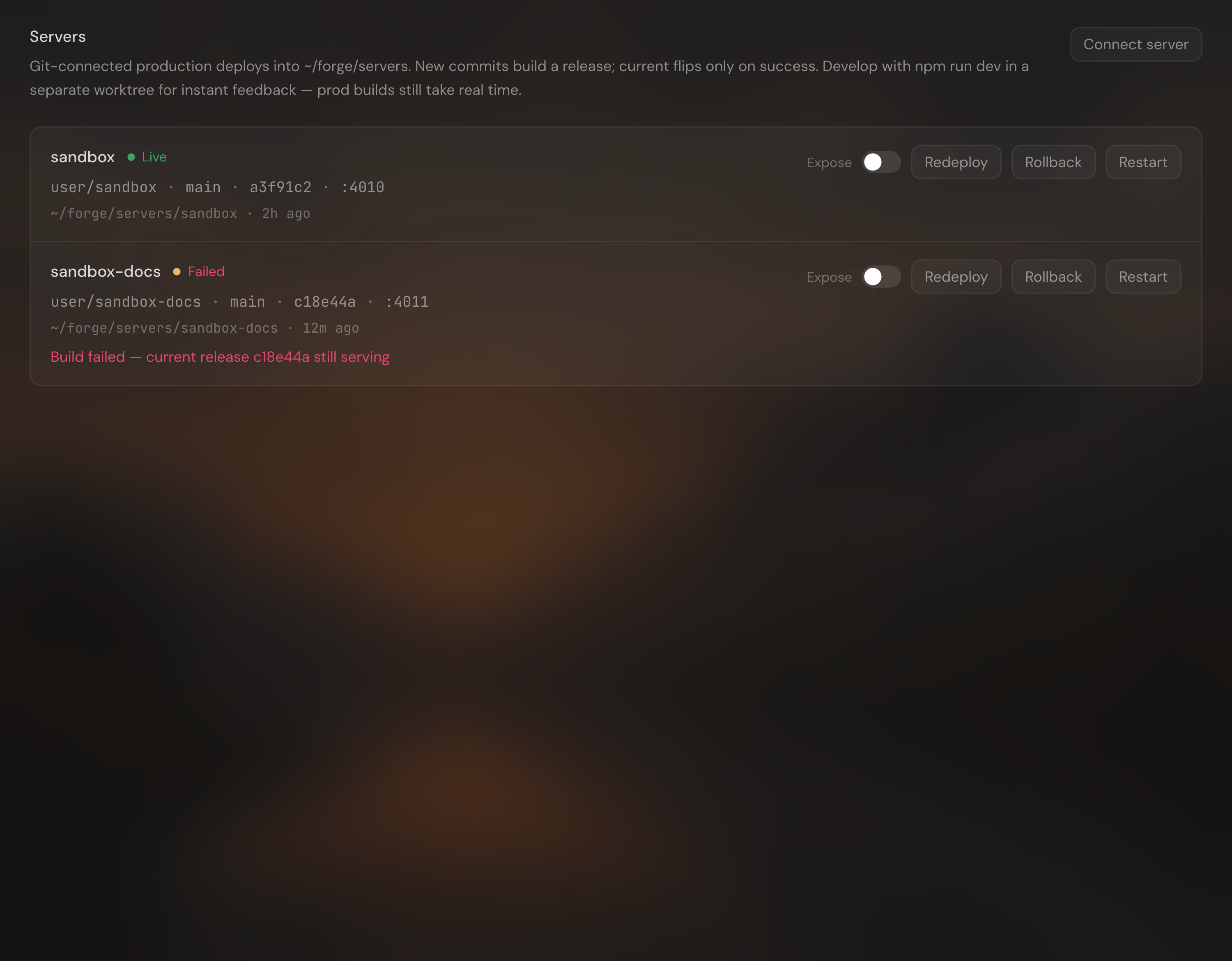
Deploy from GitHub or host a static folder. Read logs, add domains, and get HTTPS.

Billed monthly. Cancel anytime.
Choose monthlyPay once. Lifetime access.
Choose lifetimePrices in USD. VPS hosting, domains, and paid AI plans are separate.
Have another question?
Get in touch
Yes. Both plans include hosted and self-hosted access, unlimited machines and installations, and all features. Monthly access requires an active subscription; lifetime access is permanent. Existing lifetime customers keep their access.
Not currently. Choose monthly access or a one-time lifetime purchase. Explore the workspace demo above to see how it works before buying.
Sign in and choose hosted or self-hosted. Connect your VPS to the hosted workspace, or run one command to install ForgeVPS on your own server. The same purchase includes both.
A computer you rent online. It runs your apps and websites even when your laptop is off. ForgeVPS adds a workspace you can open in your browser.
No. Both plans cover the ForgeVPS workspace. You pay your VPS provider separately. Domains and paid AI plans are separate too.
ForgeVPS supports Ubuntu and Debian VPSs. Hosted guided setup uses root access and configures system tools. Both hosting options use root for terminal commands, files and server management.
Your workspace runs on your VPS with local sign-in. Monthly access requires periodic subscription checks, with a grace period for temporary billing or licensing outages. Lifetime access stays permanent. Your deployed apps, files, and direct SSH access are independent of your ForgeVPS subscription.
You don’t need to type commands to browse files or manage an app. Building and fixing apps may still take some coding. A full terminal is there when you need it.
The monthly plan is $4.99 USD per month until canceled. The lifetime plan is a one-time payment with no renewal. Your VPS provider and any paid AI tools may have their own fees.
You keep access through the end of your paid period. After that, access to the ForgeVPS workspace ends. Your deployed apps keep running, your files stay on your VPS, and you keep direct SSH access.
Your apps keep running on your VPS. Your files and data stay there too, and you keep direct access to your server through SSH.